


Free Guide!
The ONE Critical Excel Skill You Need
This free Excel guide will help you to:
- Pinpoint the Excel skill you should work on now
- Understand how this skill can help you
- Find the optimal learning path to master this skill

 Xelplus – Leila Gharani

Use Python in Excel to clean data, spot outliers, and create smarter charts – while mastering advanced analysis and knowing when Python adds value.
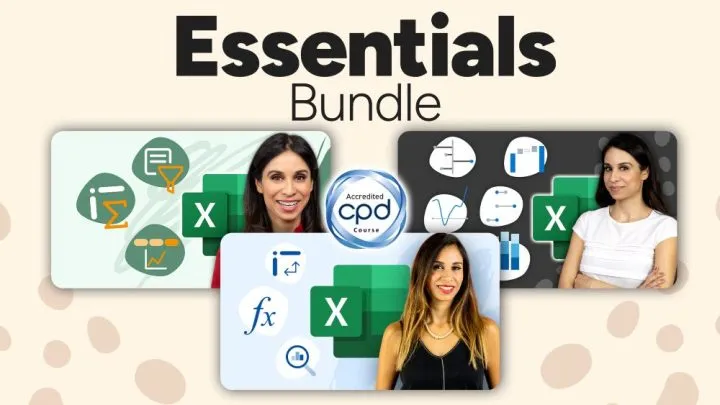

Your Perfect Starting Point in Excel. Most professionals pick up bad habits because they never get proper Excel training. This bundle fixes that – teaching you core skills, and must-know tools to make everything else in Excel so much easier.


This course gets you started in Power BI – Fast! Master Power BI and create interactive dashboards that make decision-making faster and easier.

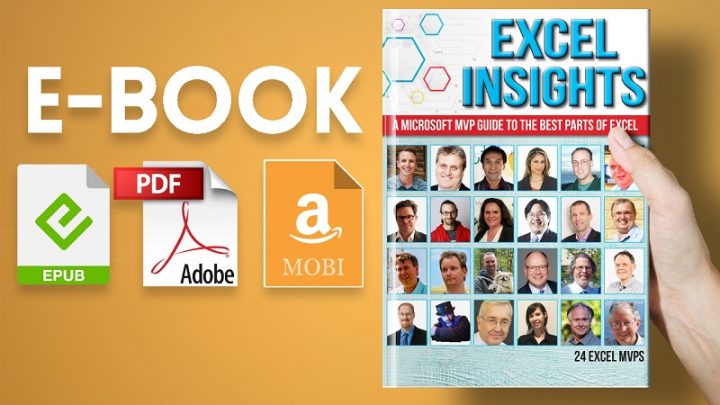
This book shares a wide variety of advanced and new techniques. Bonus videos on Data Presentation included.
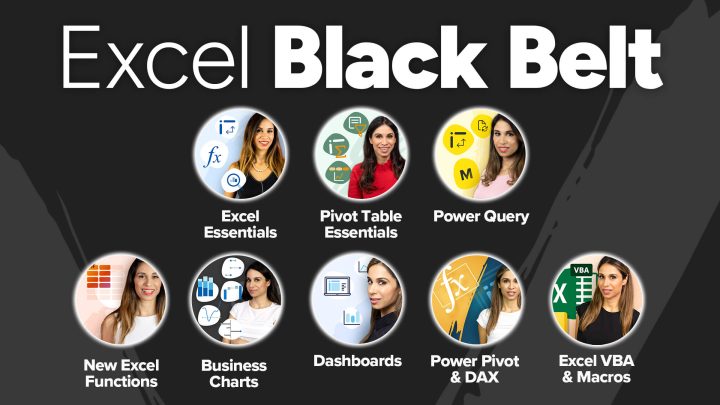

This Excel Black Belt Package includes EIGHT of our Popular Courses.
You’ll learn high-value, in-depth Excel skills that solve real problems.


Master the Powerful Features of Google Sheets from data collection, automation to proper data analysis and visualization. This course will teach you everything you need to know about Google Sheets. Plus you’ll benefit from our EXCLUSIVE bonuses.

Automate ANYTHING you need done in Excel with VBA and macros. Go from Beginner to VBA Expert and design automations with confidence.


Master the essential Excel functions most professionals don’t know: FILTER, SORT, UNIQUE, XLOOKUP, SEQUENCE. Create reports in minutes instead of hours.

Learn to design impressive Excel Dashboards. Use smart functions for clear, interactive dashboards. Make them so easy to use that everyone will love them!
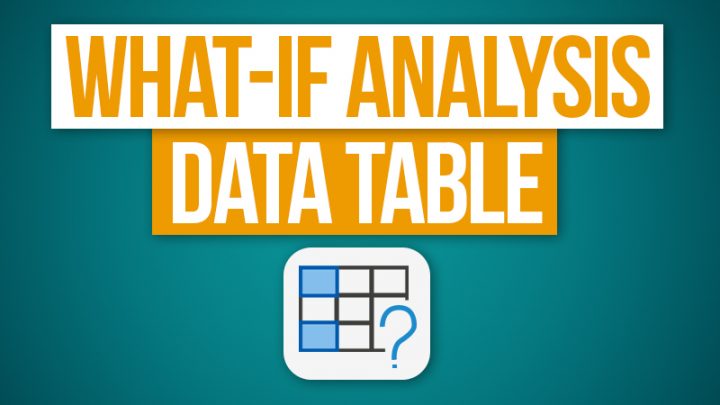

Excel’s What-if Analysis Data Table allows you to quickly create simulations.
This tutorial takes you through a simple example of how you can create a Data Table from scratch.

Use this button you already have in Excel to bulk combine and import PDF files to Excel. Forget copy, paste, manually typing values or using 3rd party tools. Get it dynamic too so you just need to drop a new PDF in a folder and the data is immediately imported to Excel.


The lookup function is the simplest function in Excel. It can return exact or approximate matches and it’s super easy to write. Yet many people prefer VLOOKUP because it’s easier to understand. In this tutorial, I’ll explain the LOOKUP function by using a simple, followed by a more complex example.


Excel’s TEXTSPLIT function can split words into separate cells. You can have multiple delimiters, you just have to know how to define these properly. You can also do amazing things like splitting into columns and rows and internally sorting words.

Excel recently released a set of new functions like VSTACK, TEXTSPLIT and TOCOL that will have you looking forward to working with complex files and data because your life just got more exciting (at least mine did!).


Learn how to easily create a forecast in Excel – even if you have seasonality. It just takes one click and Excel can forecast the next months for you!
This free Excel guide will help you to: